Crypto trading
Volume Profile vs VWAP: A Worked Example

A volume profile and VWAP can use the same trades and still mark different prices. That is not a contradiction: one describes where volume is concentrated; the other calculates a volume-weighted average. Before comparing the lines on your chart, check what each number actually summarises.
This guide works through ten invented trades. You can reproduce every result with a spreadsheet. The example is a calculation exercise, not a market forecast or trading signal.
Two tools, two questions
VWAP: what is the average transaction price when larger traded quantities receive proportionally more weight? For individual trades, divide total traded value by total quantity: VWAP = Σ(price × quantity) / Σ(quantity). The result has price units.
Volume profile: how much traded quantity falls inside each price interval? It produces a distribution, not one average. The point of control, or POC, identifies its largest row. Row width and the selected session matter; both are configurable in TradingView’s session profile.
Neither tells you whether the next trade will be higher or lower. Nor does a high-volume row reveal the intentions of the people who traded there.
Calculate both from the same ten trades
Assume a fictional asset priced in US dollars per unit. All ten trades belong to one venue and one fixed observation window, in the order shown. Quantities are executed units, not quote updates, contracts with an unspecified multiplier, or dollar turnover.
Reproducible example: fictional asset, one venue, one fixed window
Trade | Price ($/unit) | Quantity (units) | Price × quantity ($) |
|---|---|---|---|
1 | 100.00 | 2 | 200.00 |
2 | 101.00 | 5 | 505.00 |
3 | 100.00 | 2 | 200.00 |
4 | 102.00 | 2 | 204.00 |
5 | 101.00 | 4 | 404.00 |
6 | 100.00 | 4 | 400.00 |
7 | 103.00 | 3 | 309.00 |
8 | 102.00 | 2 | 204.00 |
9 | 104.00 | 1 | 104.00 |
10 | 103.00 | 4 | 412.00 |
Total | — | 29 | 2,942.00 |
Total traded value is $2,942; total quantity is 29 units. Therefore VWAP = 2,942 / 29 = $101.448275… per unit, displayed as $101.4483. Rounding happens after summation.
For the profile, use $1-wide intervals centred on whole-dollar prices: [99.50, 100.50), [100.50, 101.50), and so on. The left boundary is included; the right is excluded. Sum quantities inside each interval. The five rows contain 8, 9, 4, 7 and 1 units, respectively. The largest is [100.50, 101.50), so its displayed midpoint POC is $101.

The horizontal bars measure units traded. The vertical scale measures dollars per unit. Both marker lines belong to the price axis; neither is a volume threshold.
POC highlights the busiest bucket, containing 9/29 of the quantity. VWAP incorporates all buckets, including the seven units traded at $103. Notice that no trade occurred at the exact VWAP. An average does not have to be an observed transaction price.
Change the bins, keep the trades
Now use $2-wide bins starting at $99.50. The quantities become 17 in [99.50, 101.50), 11 in [101.50, 103.50), and 1 in [103.50, 105.50). The winning row now has a midpoint of $100.50. No trade changed; the grouping did.
Exact trade-based VWAP remains $101.4483 because its formula does not use the bins. This is why a POC label without the row settings is incomplete. A tie between rows would also require an explicit tie-breaking convention. Our example has no tie.
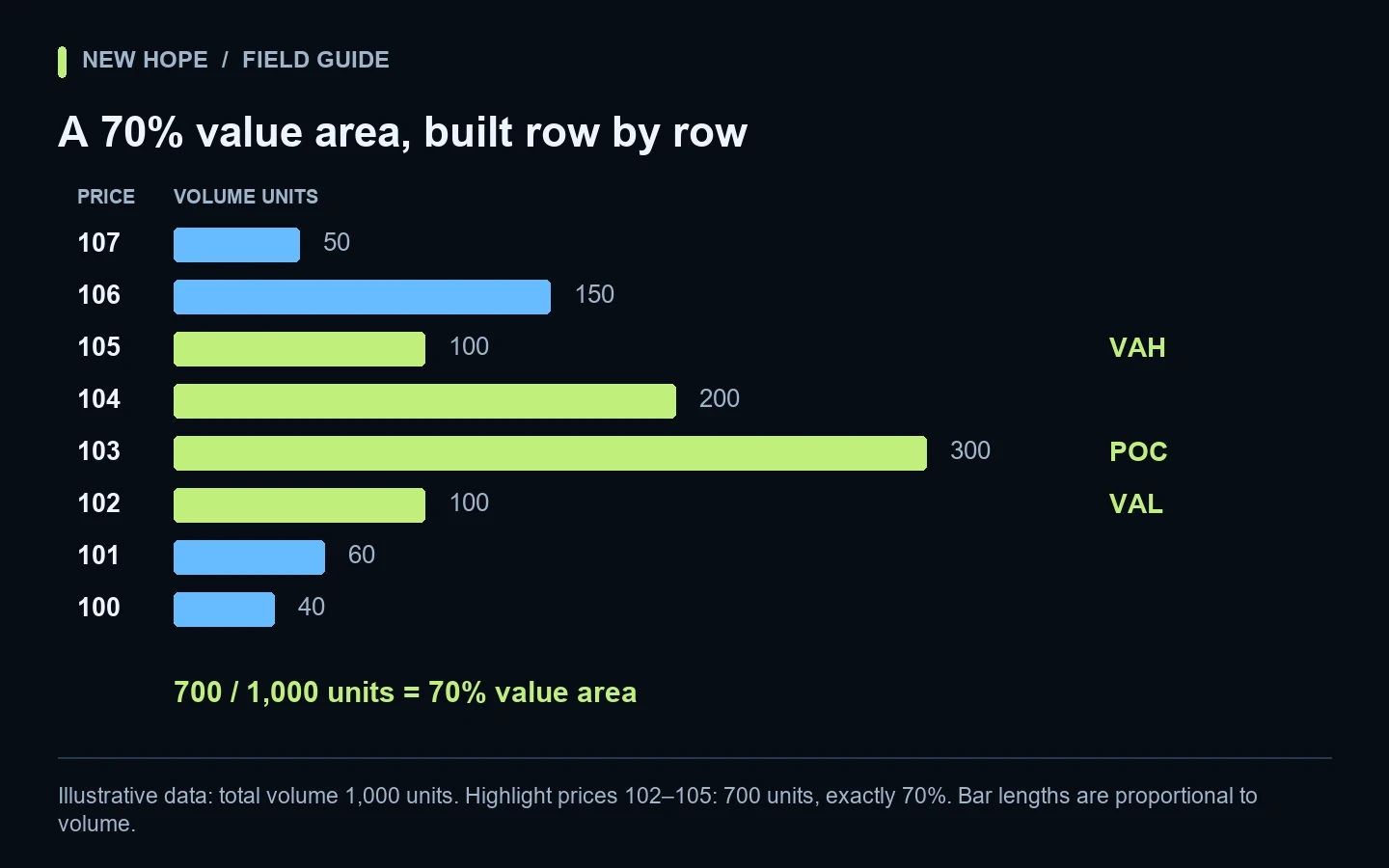
For the boundaries around a selected share of volume, continue with our POC, VAH and VAL explanation. Those boundaries answer a further question; they are not alternative names for VWAP.
A candle-based VWAP is not the same calculation
Charts do not always expose every executed trade. TradingView documents a VWAP calculation using each bar’s typical price, (high + low + close) / 3, weighted by bar volume; its source setting is configurable. See the official VWAP calculation.
Compress our entire sample into one candle. Its high is 104, low 100, close 103 and volume 29. HLC3 is 102.3333…. Weighting that single representative price by 29 and dividing by 29 returns $102.3333, not $101.4483. The candle has discarded the distribution of quantity among prices.
Both numbers can be correctly computed from their respective inputs. Calling the candle-based figure an exact trade-by-trade result would nevertheless be wrong. Read tick data versus candles before comparing chart outputs with a transaction export.
Match the window and the volume definition
A session reset, custom anchor or visible chart range changes which observations enter the calculation. In our example, trades 1–5 alone total 15 units and $1,513: their VWAP is $100.8667. Comparing that window with all ten trades mixes two different datasets. Record both timestamps and the timezone; for a market trading around the clock, define the daily boundary explicitly.
Also check what “volume” means. TradingView distinguishes trade volume, tick volume and crypto base/quote volume, and describes profiles built from lower-timeframe bars in its volume profile documentation. Price-update counts do not establish how many units changed hands.
Keep units consistent: if prices are dollars per coin, the weights for our exact formula are coins. Weighting by dollar turnover instead produces a different statistic. Different venues, products, missing trades or aggregation rules can also make two otherwise similar charts disagree. A BTC spot market and a BTC perpetual contract are not interchangeable datasets.
A practical comparison checklist
Match the venue, instrument and observation window.
Identify executed quantity, quote turnover or tick counts.
Record whether calculations use trades or bar summaries.
Record the anchor, timezone, bin width and bin boundaries.
Reproduce a small sample before interpreting a mismatch.
Do not confuse historical traded volume with orders still waiting to execute. Our volume profile versus order book guide separates those views.
If you are evaluating New Hope Crypto, use these questions when reviewing the available data and settings with the team. This educational comparison does not claim that the software includes VWAP. Confirm the functions of your specific version before choosing a workflow.
More articles