Prop trading
Prop Firm Trading Bots: Is New Hope PRO Compatible with Your Account?
Prop trading · Software compatibility · Updated 19 October 2026
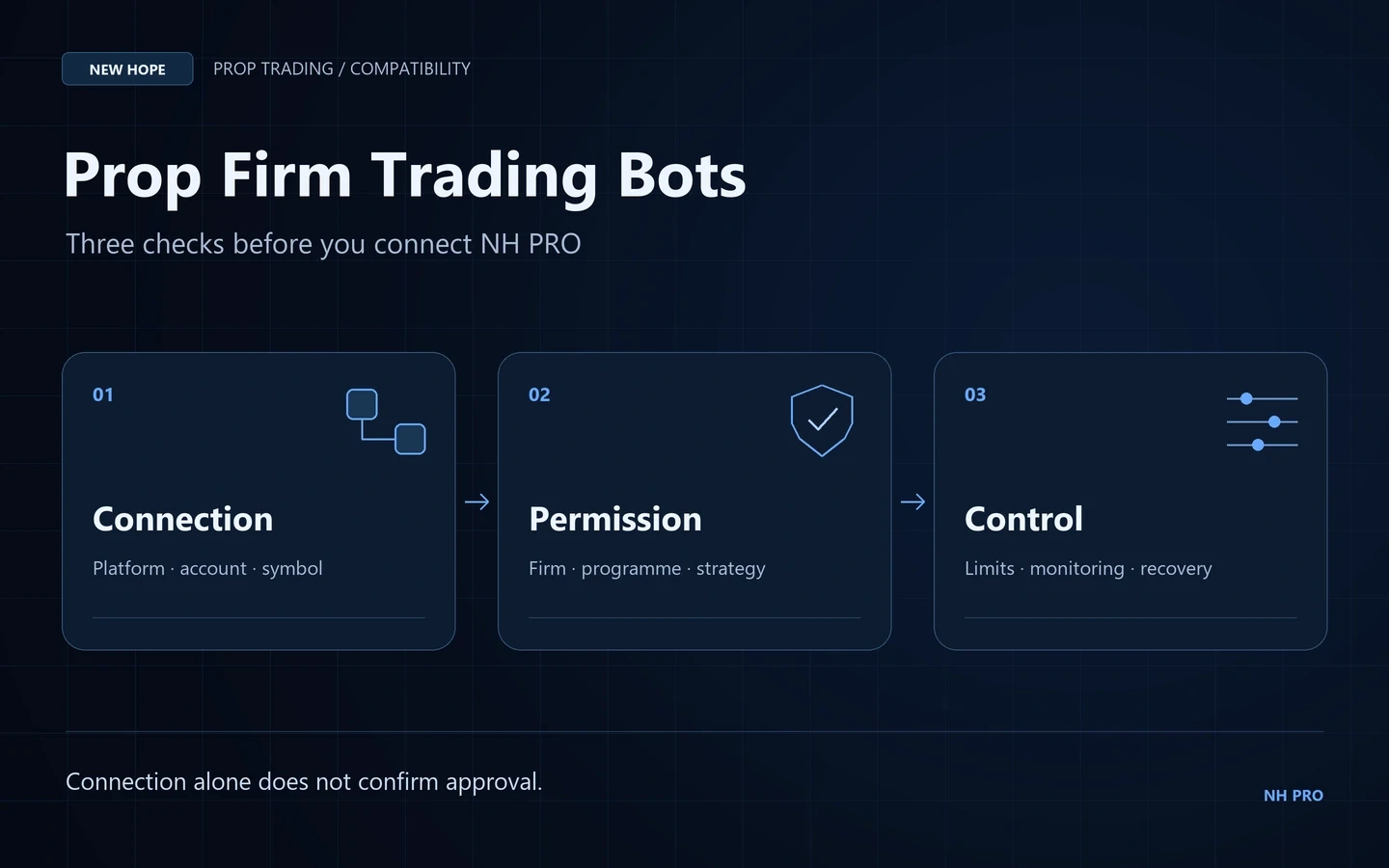
A trading robot can repeat a process consistently. It cannot decide whether a prop firm permits that process. Before connecting New Hope PRO to an evaluation or funded account, check three separate questions: does the connection work, is the strategy allowed, and can you monitor the account’s risk correctly?
The distinction matters because “EAs allowed” is only the beginning of the answer. A firm may accept ordinary automation while prohibiting a particular signal source, arbitrage technique or account arrangement. Buying software and buying a prop evaluation are also separate decisions, with separate terms.
What NH PRO provides—and what still needs checking
New Hope PRO is presented as forex-arbitrage software with MT4, MT5, FIX API and cTrader connections. Its full package includes prepared settings, a broker list and configuration assistance. Those features can help organise a setup, but they do not represent a prop firm’s approval.
Start with a plain-language description of the actual strategy: which prices it reads, what creates a signal, where orders are sent, and whether another account takes an opposing position. Give the prop firm that description. A generic question such as “Can I use a robot?” omits the details most likely to determine its answer.
Ask the New Hope team to identify the exact build, selected mode and supported connection before comparing them with the firm’s current conditions. A feature shown in an earlier video should not be treated as evidence of unchanged behaviour in every later build.
Three official rule examples worth reading
The following forex/CFD programme examples were checked on 19 October 2026. They show why compatibility cannot be reduced to a list of firms with a green “bots allowed” badge. Futures programmes and other account types may have different rules.
Provider | What its published rules say | Practical implication |
|---|---|---|
FTMO | Algorithmic trading is accepted subject to its conditions. Its forbidden-practices page bars exploiting price-update delays and manipulative opposing positions, including across providers. | Read the strategy restrictions alongside the EA permission. A latency-based or cross-account design needs specific scrutiny. |
FundedNext | Its current EA page permits bots on eligible MT4/MT5 accounts below $50,000 with an added fee; accounts of $50,000 or more must be manual. Automation is disallowed on cTrader and Match-Trader. Bots designed specifically to pass prop-firm challenges are prohibited. | Account size and platform can rule out a bot before configuration begins. Its separate prohibited-strategies rules must also be checked. |
The5ers | Its EA rules exclude latency, reverse and hedge arbitrage, among other techniques. They also require ownership of the EA source code and a visible stop-loss. | A purchased software licence is not, by itself, evidence of source-code ownership or strategy permission. |
Read the primary sources: FTMO strategy FAQ, FTMO forbidden practices, FundedNext EA rules, and The5ers EA requirements. This comparison does not label NH PRO as approved by any of them.
Turn the rules into a configuration brief
A useful brief should fit on one page and be understandable without opening the software. Write it for the exact programme and phase you intend to use, rather than copying a broker template. Include the date and links to the applicable terms so that future changes are visible.
Question | Evidence to keep |
|---|---|
Which software and strategy will run? | Build number, strategy name, settings revision and a short explanation of the signal logic. |
Is automation permitted for this account? | Programme, phase, account size, platform, any required add-on and the relevant rule. |
How is the loss boundary calculated? | Balance or equity basis, reset time, treatment of costs and any trailing component. |
What happens around restricted events? | The applicable news, overnight or weekend conditions and a documented operating procedure. |
What happens if a connection fails? | Who monitors the account, how open positions are checked, and when further orders are stopped. |
A support reply is useful evidence when it answers the actual scenario. It does not replace the governing agreement. If a response appears to contradict a published restriction, resolve that conflict before running the setup instead of assuming the more favourable interpretation wins.
Measure the account that the firm measures
A closed-trade report can conceal a deep temporary loss. For example, FTMO’s published objectives measure account equity, including open-position results and trading costs; the calculation also differs between programmes. Use the current objectives for the chosen programme rather than importing a familiar percentage from another account.
Here is a purely illustrative check. Suppose an account’s current equity is $98,400 and its relevant breach boundary is $97,000. The remaining distance is $1,400. That is not a suggested risk budget: execution costs, other open positions and changing boundaries may reduce the room available. Display the boundary and current equity together, rather than showing only today’s realised profit.
Keep a record of the lowest observed equity, maximum simultaneous exposure and the occasions when trading was paused. These observations make a review more informative than a screenshot of the best trade. They also help distinguish a strategy problem from a connection or execution problem.
Test the operating process before testing ambitions
Begin with permission to test in the chosen environment. Then make the test reproducible: keep the same software build, document every configuration change, and label reports with the account type and period. Do not mix a demonstration, backtest and live execution record into one undifferentiated performance claim.
Check instrument names, contract specifications and account mode. In MT5, hedging and netting affect position accounting; our MT5 hedging-versus-netting guide explains that distinction. A platform supporting a technical feature still does not mean a provider permits every use of it.
Review submission times, execution messages, rejected orders and interruptions using the trading-bot execution audit. A strategy should not be judged solely by how quickly its signal appears. The resulting account position and actual execution are what must be reconciled.
The NH PRO setup guide states that the automatic news filter is currently unavailable. Do not assume the software will automatically handle a prop firm’s news restriction. Confirm a workable process for your exact account, or do not use that configuration there.
Watch the setup, then ask a specific question
The English walkthrough shows NH PRO’s configuration process. Use it to understand the interface and prepare questions—not as proof of prop-firm acceptance or expected returns.
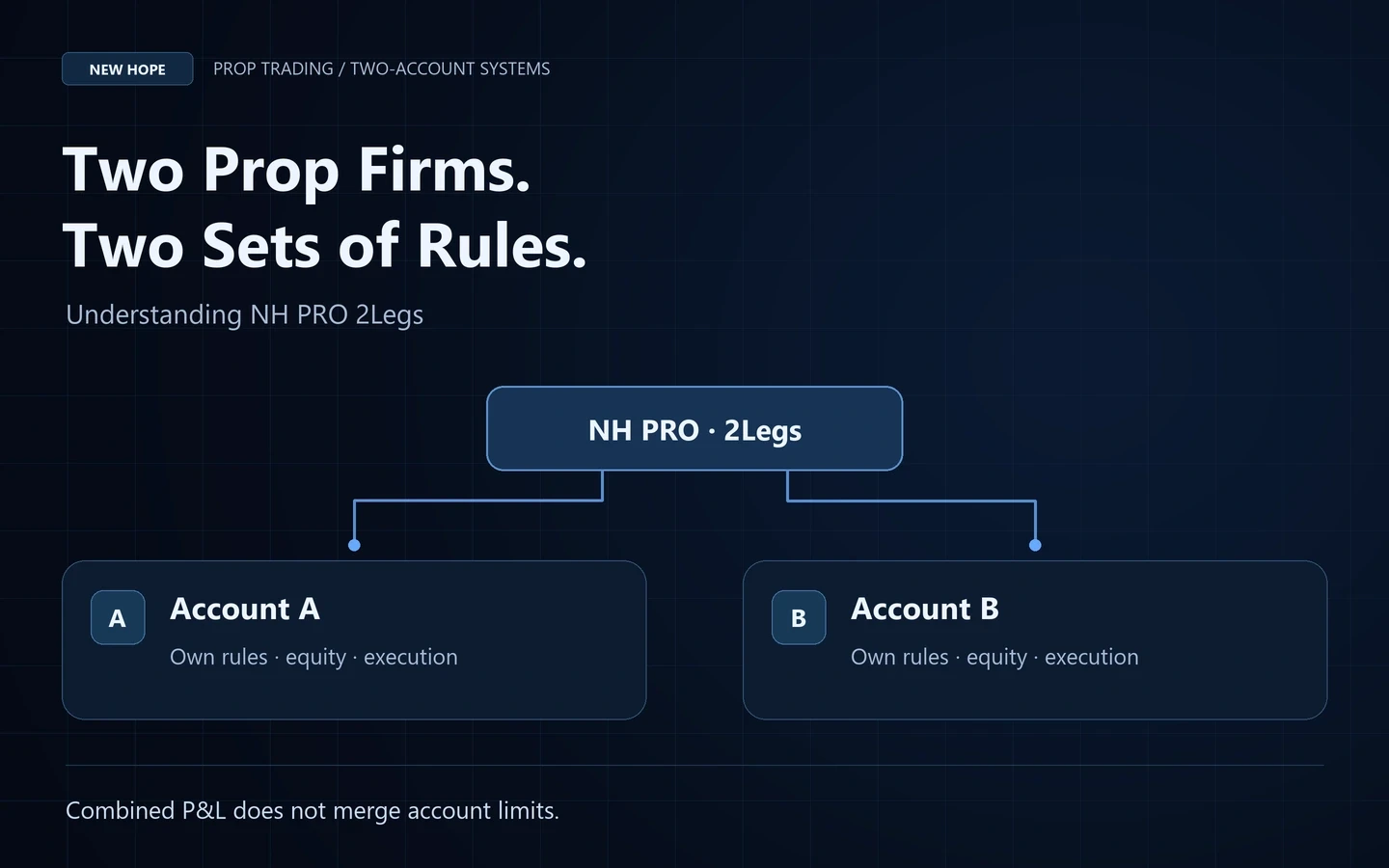
For a useful discussion with the New Hope team, send the firm and programme name, account platform, proposed strategy and relevant rule links. Do not send passwords. If you are considering two connected accounts, continue with trading between two prop firms: the 2Legs checks.
The goal is a setup you can explain, verify and monitor. A robot does not guarantee a passed evaluation, a payout or compliance with every firm’s conditions. Where the intended strategy conflicts with the rules, choose a permitted environment rather than trying to conceal the strategy.
More articles