Setup and operations
MT5 Virtual Hosting vs Windows VPS: A Compatibility Guide
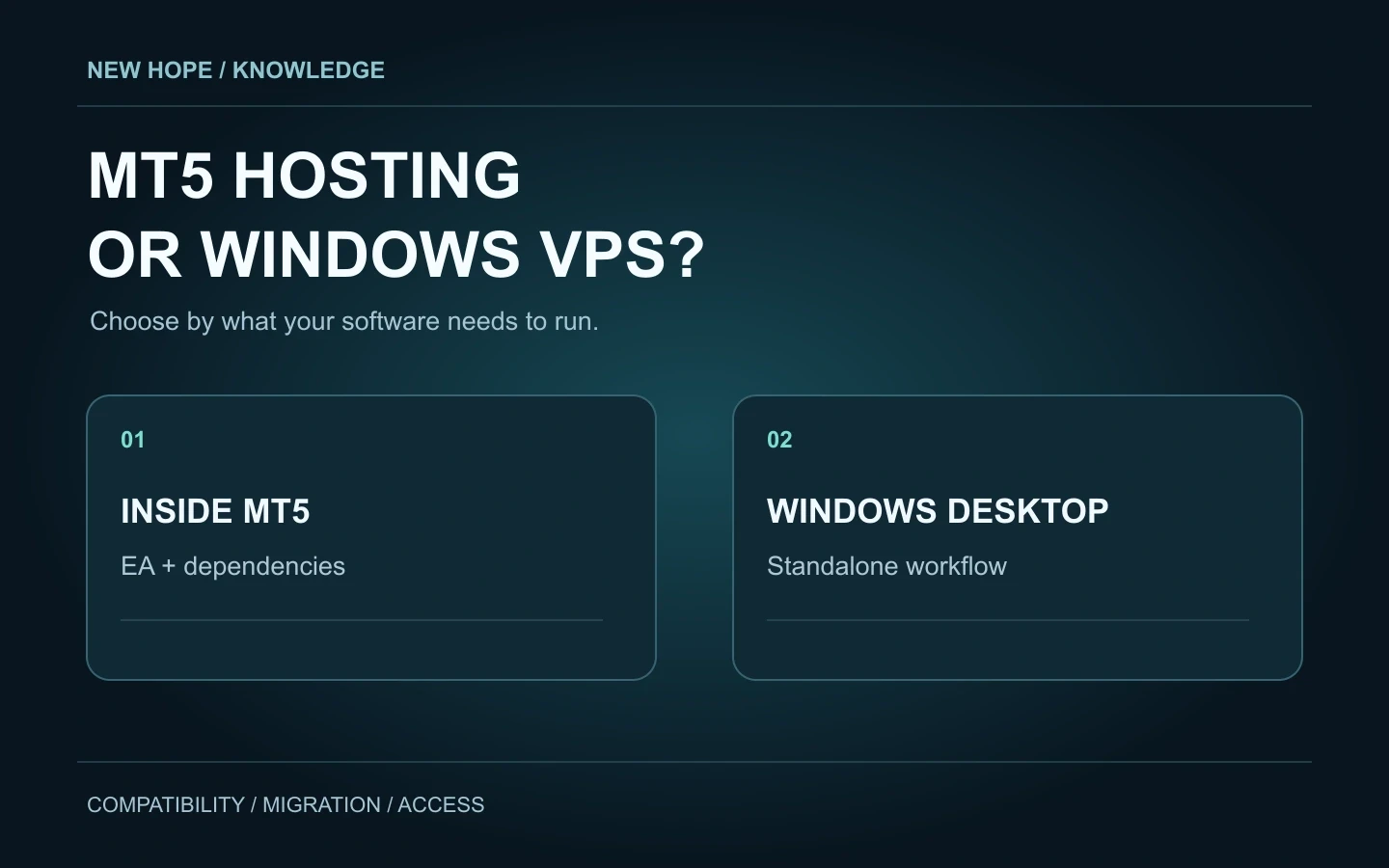
The VPS button in MetaTrader 5 and a Windows server rented from a hosting company can lead to different environments. Before comparing prices or milliseconds, establish where your trading program actually runs. A server is useful only if it can host the complete workflow.
This guide distinguishes MetaTrader Virtual Hosting from a Windows VPS with desktop access. It is a compatibility checklist, not a benchmark. The examples are illustrative; they do not describe measured New Hope performance.

Start with the software, then choose the server
Two services with different boundaries
MetaTrader Virtual Hosting runs a hosted trading platform for compatible robots and signal subscriptions. You prepare the environment through MetaTrader. Renting it does not give you a general Windows desktop on which to install an arbitrary standalone application.
A Windows VPS is a remotely managed Windows machine. For a workflow that needs application windows, choose an appropriate desktop installation: Microsoft distinguishes Server with Desktop Experience from Server Core. A plan labelled “Windows” is not enough information. Confirm the edition, access method, installation permissions and application compatibility.
Choose by the workload you need to run
Requirement | MetaTrader Virtual Hosting | Windows VPS with desktop access |
|---|---|---|
Compatible EA inside MetaTrader | Designed for this type of hosted workload | Install the terminal and configure it |
Separate Windows application | No general-purpose desktop installer workflow | Check its supported Windows version and dependencies |
Manual desktop interaction | Not the intended operating model | Available through the configured remote-access method |
Ongoing responsibility | Configuration and hosted-program monitoring | Application monitoring plus the agreed server-maintenance tasks |
Check dependencies before paying
An EA may look self-contained on a chart while depending on other components. The Expert Advisor Dependencies tab helps identify imported EX5 libraries and DLLs. Ask the developer what else must run: a separate executable, a local service, a data connector, or a manual confirmation window.
MetaTrader hosting forbids DLL calls; its rules say a program attempting one is stopped with a critical error. Do not treat a successful local launch as proof that migration will work. Conversely, “uses an API” does not by itself rule hosting out: a permitted WebRequest is different from a separate Windows process.
The migration documentation explains that the hosted platform has no user interface, scripts are not transferred, and WebRequest needs approved URLs. These are concrete checks, not reasons to assume that every external connection is unsupported.
Three example configurations
A. One self-contained MT5 Expert Advisor
The developer confirms that the EA is intended for MetaTrader hosting and has no incompatible dependencies. Start with a controlled configuration, verify its inputs, and examine the hosted journal after migration. Record the program version and the exact configuration tested. “One EA” describes the package size; it does not prove compatibility.
B. A standalone trading program connected to MT5
The application has its own installer and window, while MetaTrader is one of its connections. Synchronising a chart cannot be assumed to transfer that separate application. Request a deployment diagram from the supplier. If the documented route requires Windows desktop software, choose a Windows environment that supports it.
C. A terminal plus a separate quote-feed process
List both processes and the connection between them. Moving only the terminal could leave the feed on a laptop that is later switched off. Decide where each component runs, how it reconnects, and how you detect stale data. The required answer is a complete component map, not a faster-looking VPS label.
Make the first deployment observable
Before a test, write down what success means: the correct account is connected, expected prices update, the intended program version is running, and the log has no unresolved dependency errors. Use a permitted demo or test environment where available. Opening a real position is not necessary just to identify which kind of hosting you bought.
For MetaTrader hosting, local-to-hosted synchronisation is one-way. Automated trading is enabled in the hosted environment even when disabled locally; review the selected programs before migration. Afterwards, use the hosted journal and monitoring controls to inspect what actually started.
For a Windows VPS, record which account launches the software and what should happen after a disconnect or restart. A desktop screenshot proves only that a window existed at that moment. The restart and recovery checklist provides the next operational checks.
Compare the real cost and connection
Request an itemised hosting quote: server, Windows licensing where applicable, backups, support scope and renewal terms. Ask who handles updates and recovery. Avoid choosing a resource specification solely from the number of accounts; software behaviour, instruments and concurrent processes also matter.
MetaTrader's displayed ping concerns the network connection to the broker server. It is not a measurement of a complete trade. For both hosting routes, separate quote receipt, order submission, acknowledgement and fill when reviewing logs. Our execution-audit guide explains that distinction without promising a universal latency target.
What to confirm for New Hope
The published New Hope setup workflow uses a Windows VPS. Begin with the Windows VPS preparation guide and the NH PRO launch guide; use the current NH PRO manual for installation steps. Compatibility with MetaTrader is not a claim that the entire NH application migrates through MetaTrader hosting.
Before renting, confirm the exact software release, required Windows environment and intended connections with the team. Use the NH PRO product page to review the package, then ask for the deployment requirements that apply to it. Use the deployment requirements and CPU/RAM guidance supplied for your exact release and configuration.
Your five-question purchase checklist
Does the program run inside MT5, outside it, or as several components?
Which DLLs, services, external processes and permissions does it require?
Can it operate without clicking a desktop confirmation?
How will you verify its state after migration, a disconnect and a restart?
Who is responsible for the server, application updates, backups and recovery?
If one answer is unknown, obtain it before committing to the hosting plan. Matching the environment to the program is the first deployment decision; it does not establish the suitability or results of the trading strategy.
More articles