Company News
New Hope Third Generation: Archive and Upgrade Checklist
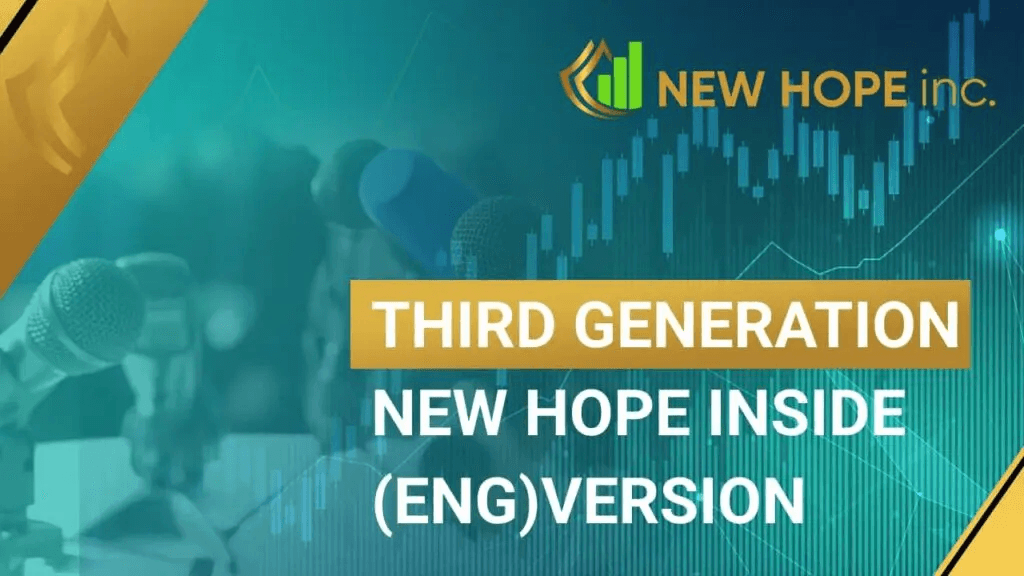
Updated October 14, 2026. This page preserves the New Hope third-generation announcement published on March 25, 2021, together with its original video. The short announcement referred to new robots, updates and technologies. It was not a complete changelog. The guide below explains how to check a trading-software upgrade.
A generation label is not a specification
A product generation, an individual module version and a trading-platform version are different identifiers. Historical INSIDE or THIRD GEN labels should not automatically be treated as today's NH PRO. A feature shown in a 2021 recording also does not establish that it is included in a package offered today.
Before an upgrade, record the product, executable version, connected platform, quote source, account type and settings format. Check current information against the NH PRO manual. Do not install an old application solely because its interface matches a video.
What to preserve before changing the environment
Record settings and connections, retain the necessary logs and capture the state of open positions. Note which actions are automatic and which require an operator. If the new version changes a file format, establish how migration and a return to the previous configuration would work before replacing it.
The installation folder and user-data folder can be different. For example, MetaTrader 5 documentation describes configuration files, presets and logs separately. That is an example of platform file organization; use New Hope's own instructions to locate its files. Do not publish archives containing passwords or access credentials.
Check compatibility before trading behaviour
Confirm that the new version starts on the selected operating system.
Check settings import and units, including quantity, time and price increments.
Verify instrument names, suffixes and trading sessions.
Check fresh quotes and the separate trading connection.
Reconcile order and position state with the broker.
Test application shutdown and recovery after a connection loss.
A unit mismatch matters more than a familiar-looking interface. A value of 10 might mean points, minimum ticks or seconds in different fields. Do not transfer it by label alone without checking the parameter definition. Use our quote-feed evaluation guide for the data-source checks.
A small acceptance-test example
Choose three scenarios in advance: a normal connection, a lost connection and an application restart. In the first, the application should load the correct account and instrument. In the second, it should handle the problem as documented, with evidence available to the operator. In the third, local state must not incorrectly double an existing position.
Give each scenario an expected outcome and observable evidence. “Works normally” is too vague. “After reconnection, the 0.10-lot position matched the broker record and no new orders appeared” can be checked. This is a test example, not a promise that New Hope implements a particular safeguard.
Compare behaviour before and after the upgrade
Keep instruments, trading hours and risk settings comparable. Avoid changing the application, broker and VPS simultaneously if you want to identify the cause of differences. Retain unsuccessful scenarios too. Our execution audit helps compare submissions, acknowledgements, prices and costs. The demo-versus-live protocol separates logic checks from real-execution checks.
An upgrade can fix a technical problem without guaranteeing a positive financial result. When behaviour differs from expectations, record the exact version, event time and a log excerpt with secrets removed. For preparing the current system, use the NH PRO setup guide rather than treating an archived announcement as the current feature list.
Related reading: related INSIDE releases
A generation name does not replace the installed release number. Use this sequence of archive entries to locate the relevant change list.
INSIDE 2.4 — Logs and change verification.
INSIDE 2.5 — Component changes and FOK/IOC policies.
INSIDE 3.0 — The original third-generation change list.
INSIDE 3.1 — Reconnection and preserved state.
INSIDE 3.2 — Series and Feed-component updates.
INSIDE 3.3 — The following series-release archive.
The end of INSIDE 2.5 support — The historical transition and migration preparation.
More articles