New Hope news
New Hope AREA Is Open: Free Learning and Trading Simulators

New Hope AREA is open to anyone who wants to understand trading robots before taking the next step. We have brought beginner lessons, interactive New Hope PRO and New Hope Crypto training, and account reports into one workspace. You can request learning access without buying software.
Already a New Hope client? AREA is also where you can find your assigned products, licence details and resources. The workspace gives newcomers a starting point and existing clients a practical place to continue.
Request free access to New Hope AREA
Take a quick look inside
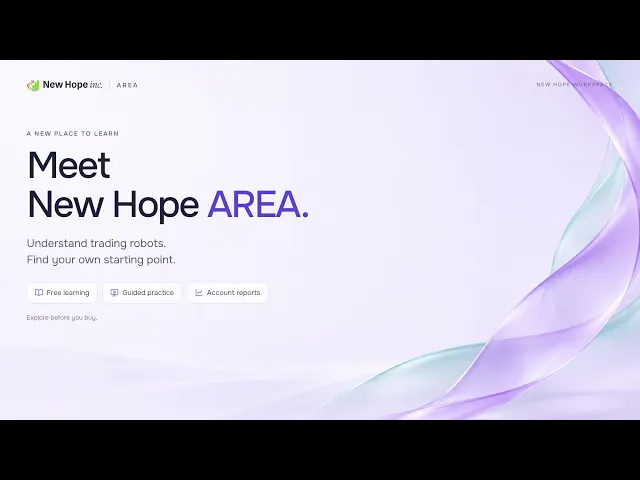
Our new introduction shows what AREA is for, how the learning and training sections fit together, and where to begin. In just over a minute, you can see the main idea before opening the workspace.
Watch the New Hope AREA introduction on YouTube
A clearer starting point for newcomers
People often ask us the same questions: what does a trading robot actually do, what does the program look like, and what happens after pressing Start? Those are useful questions to answer before comparing packages or installing software.
AREA starts with the basics. Short lessons explain prices, orders and trading costs, then introduce forex arbitrage and volume analysis in crypto. You can work through the material at your own pace and check that the terminology makes sense.
For a fuller description of the curriculum, see our guide to free forex and trading robot lessons. The public learning library remains available when you want to read about an individual topic outside the workspace.
See the software and try the controls
Reading an instruction is easier when you can connect it to an actual window or button. In Education → Setup and launch, you can open separate interactive trainers for New Hope PRO and New Hope Crypto.
New Hope PRO: practise the sequence from quote-feed and broker connections to strategy settings, the log and stopping the training strategy.
New Hope Crypto: explore an exchange connection, instruments, settings, positions and the controls used to start and stop the training workflow.
The trainers are educational demonstrations. They do not place real trades and do not require trading passwords or exchange API keys. Their purpose is to help you recognise the interface and understand what each action means before working with a real installation.

Continue from your saved step
You do not have to complete everything in one sitting. Lesson completion and trainer progress are saved to your AREA account, and the dashboard shows how far you have reached.
You can start on a computer and continue on your phone by signing in to the same account. Complete the current action and let it save, then return to the relevant lesson or trainer when you are ready. This also makes it easier to revisit a control or explanation instead of starting the whole course again.
Understand the reports, not just the headline number
The Results section brings together the available account reports. Alongside them, the learning materials explain return, drawdown and Profit Factor in plain language.
A useful first exercise is to choose one report and find its reporting period, latest update and drawdown. Then look at the recorded trading activity. This gives you more context than a profit percentage on its own. Our Myfxbook checklist explains what else to examine. Historical results do not guarantee the same outcome on another account.
What changes if you already use New Hope?
For existing clients, AREA also provides access to the products and materials assigned to their account. Depending on the package, this includes licence details, product resources and the next steps for setup.
Free learning access and a live software licence are separate. The New Hope PRO packages and New Hope Crypto product information explain the commercial options. You can explore the lessons first without choosing a paid package.
Your first visit in three steps
Request free access. Use the form on our website and enter an email address where you can receive your invitation.
Open the invitation. Follow the instructions to access your personal workspace.
Start with one lesson. Open the basics, then try a product trainer or explore the reports when you are ready.
You do not need a trading deposit to use the lessons and simulated trainers. Start by understanding the tools, then decide which questions you want to explore further.
Already invited? Sign in to New Hope AREA. If you have a question, contact admin@newhope.uk.com.
More articles