Execution
Limit and Market Orders in Trading Bots: How to Check Execution
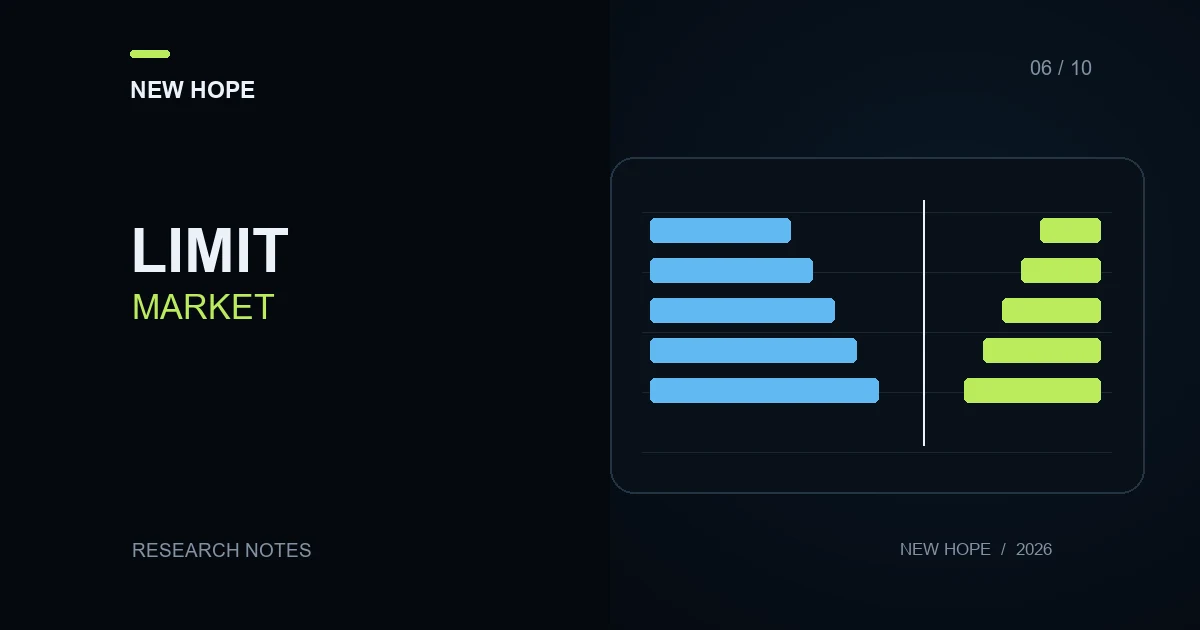
Market and limit orders specify different execution conditions. A market order requests a purchase or sale at available prices; a limit order sets an acceptable price boundary. The order's name alone does not tell you how much will fill, when execution will finish or what will happen to the remainder. A trading bot needs those answers before its next command assumes that the intended position exists.
The useful sequence is decision, submission, acknowledgement, fills and resulting position. This guide works through that sequence using hypothetical numbers. It is an execution check, not a performance example or a recommendation to place a trade.
What the order instructions mean
A buy limit sets the maximum acceptable price; a sell limit sets the minimum. Better prices are possible, but execution is not assured. A market order does not fix its execution price, and the last price displayed on a chart can differ from the fill. These distinctions appear in Investor.gov's explanation of order types.
A limit order is not necessarily a maker order. It can immediately match available liquidity. Coinbase Advanced explains limit, partial-fill and post-only behaviour in its order documentation. Additional conditions and naming conventions differ by venue, so record the actual settings used.
One instruction, two execution prices
Consider a fictional sell order book offering 3 units at 100 USDT and another 4 at 100.20 USDT. A bot submits a market purchase for 5 units. Assume the offers remain unchanged, no other restrictions intervene and the order fills completely:
The first fill costs 3 × 100 = 300 USDT.
The second costs 2 × 100.20 = 200.40 USDT.
Total purchase value is 500.40 USDT, giving a volume-weighted average price of 100.08 USDT.
Relative to a chosen reference price of 100, the purchase costs 0.40 USDT more before fees. That difference cannot be attributed solely to software speed: the example itself contains insufficient volume at the first price. In a live market, quotes can also change between observation and execution.
Now change the instruction to a buy limit at 100.10. Only the first 3 units are eligible in the same unchanged book. What happens to the remaining 2 depends on the order's time-in-force and remainder policy. A permitted resting remainder can wait in the book; another policy may cancel it. An acknowledgement therefore does not establish that all 5 units were bought.
Why the remaining quantity matters
Suppose the next instruction is intended to sell the 5 units purchased. If only 3 filled, a program relying on submitted size rather than confirmed executions has an incorrect starting point. The consequence depends on the account: rejection, use of an existing holding or an unintended position. Reconcile the actual history instead of assuming which outcome occurred.
A useful event record distinguishes order ID, cumulative filled quantity, quantity in the latest fill and remaining quantity. A repeated message for an already recorded fill should not add to the position again. These are software verification criteria, not allegations about any particular bot.
A practical log-checking protocol
Record the instruction. Capture instrument, side, quantity units, order type, price limit and remainder policy. Keep the timestamp and chosen reference price separately.
Separate the events. Identify submission, acknowledgement, individual fills and final status. A missing response does not by itself prove rejection.
Reconcile quantity. Sum unique fills and compare them with the order's cumulative executed quantity. Reconcile the position while accounting for other operations.
Calculate the average. Divide the sum of quantity multiplied by price across fills by total filled quantity. An unweighted average of prices is usually the wrong calculation.
Inspect cancellation. A cancellation request is not a confirmed cancellation. Include fills that occurred between those events.
Reconcile cash. Match executed value and fees to the venue's statement, keeping the currency of each charge.
Start with a prepared example history or an available test environment. Record what that environment does not reproduce, such as queue position, size restrictions, latency or changing liquidity. Passing this exercise confirms the tested scenario; it does not establish identical behaviour under every market condition.
Common interpretation errors
Comparing a purchase fill with a bid quote while treating that bid as the available buy price.
Treating a chart touch at the limit price as proof that the entire quantity filled.
Resubmitting after a timeout without resolving the original order's status.
Treating a stop trigger level as a guaranteed exit price.
The fee role of each execution is explained in maker and taker fees. If a bot moves its exit condition, also read the trailing-stop verification guide: moving a level and executing a trade are separate events.
Use the broader trading bot execution audit to examine the full sequence. A useful support report contains an anonymised log excerpt, expected and actual quantities, timestamps with a time zone and operation identifiers. It does not require API secrets or passwords.
More articles